
How to organize paper files after scanning
Connect physical folders with searchable PDFs using stable IDs, a simple index and optional labels, without buying unnecessary equipment.
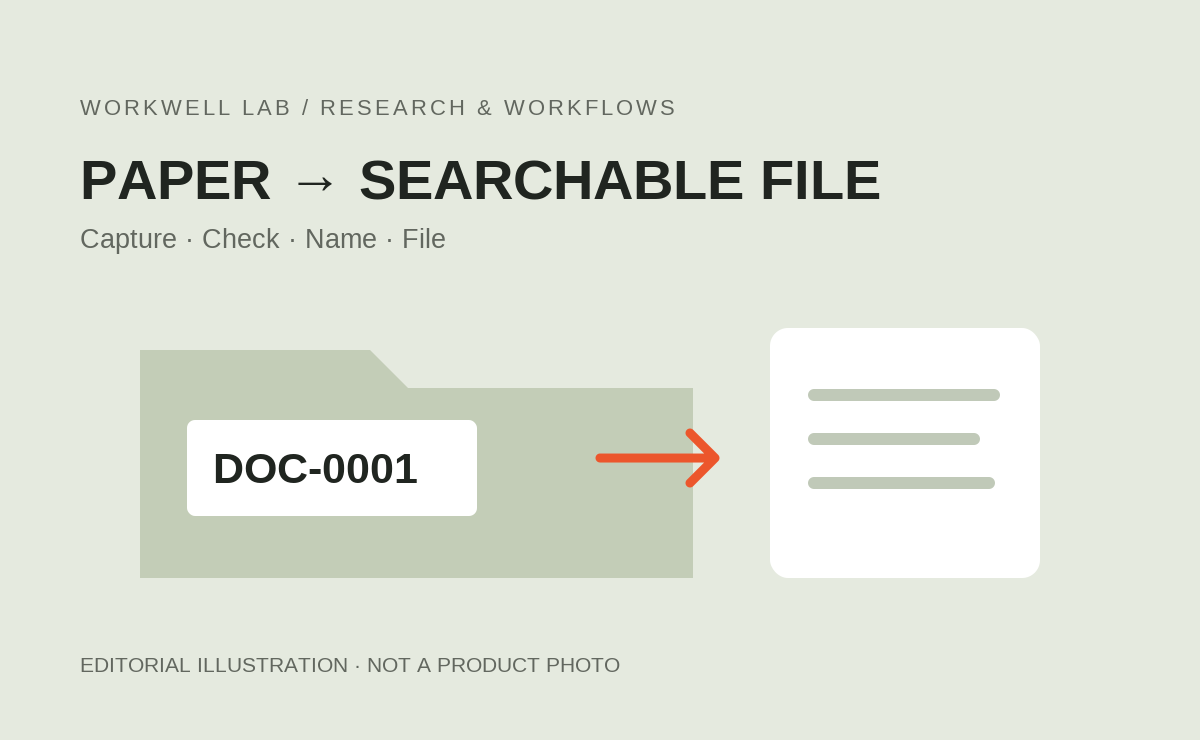
Make the paper and the PDF point to the same entry.
A scanned file is easier to use when you know which physical folder it belongs to. Start with a simple identifier and index; add a label printer only if repeated handwriting becomes a real limitation.
1. Sort a small batch before you scan
Choose one drawer or one manageable group of records. Separate different documents, preserve meaningful page order and remove items that should not be handled together. Decide which files need restricted access. For fragile or bound material, avoid forcing pages flat or removing bindings just to fit a scanner.
Capture only material you are entitled to process. Do not publish scans of copyrighted books or confidential records merely because you own the paper. This guide is about organizing your own permitted records, not distributing someone else's work.
2. Assign a stable identifier
Use a short sequence such as DOC-0001, DOC-0002 and DOC-0003. Keep the ID stable if a folder moves. Avoid putting a full name, account number or diagnosis on an outside label; a neutral ID can refer to a more private index.
| Folder ID | Digital file | Physical location | Check |
|---|---|---|---|
| DOC-0001 | DOC-0001_2026-10-12_manual.pdf | Box A / folder 01 | Pages and OCR checked |
| DOC-0002 | DOC-0002_2026-10-12_notes.pdf | Box A / folder 02 | Image checked; OCR pending |
A spreadsheet or simple text index can hold the ID, description, filename, paper location and checking status. If two people work on the files, agree on who assigns the next ID so the same number is not reused.
3. Validate the scan before filing
Count pages, inspect first and last pages and look for reversed order, duplicate captures, missing edges or a wrongly split spread. Check difficult pages individually. Search for a few distinctive words, then inspect the recognized text rather than assuming a searchable PDF is accurate.
Keep an unedited capture where appropriate and distinguish it from corrected or OCR versions. Our searchable PDF guide explains the difference between a readable page image and usable recognized text.
4. Label the enclosure, not the original
Write the ID on a suitable folder or removable organizational label, or print it if you need consistent repeat labels. Test a sample on an expendable enclosure. Do not put adhesive directly on important originals or rely on an unverified permanence claim.
If you use a QR code, keep the plain-text ID beside it. Test the printed code and think about who can open the destination. A code pointing to a public cloud link can expose a private document; a code also stops being useful when the URL changes. A maintained index is often the simpler starting point.
5. Buy a tool only for the problem it solves
| Job | Start with | Related research |
|---|---|---|
| A few flat pages | Your existing phone and a quality check | Phone vs scanner |
| Repeated overhead capture | Material and software checks | ET Max / Shine Ultra |
| Repeat folder labels | A pen first; a label printer if needed | PM220 research |
6. Retain and back up with a plan
A successful scan is not permission to discard an original. Check applicable record-retention requirements and keep documents whose original form may matter. For valuable material, seek suitable preservation advice and storage materials.
Keep a separate backup of the files and index, with access controls appropriate to their contents. Test opening a backed-up file and locating its matching paper folder. Do not assume that a synchronized folder alone will protect you from deletion or an unwanted edit.
Questions about the workflow
Must I buy a label printer?
No. Handwritten IDs and an index are enough to start. A printer is optional for repeated, consistent labels.
Can I throw paper away after OCR?
Not automatically. Retention rules and the value of the original are separate from scan quality.
What if a label fades or a folder moves?
Use the independent index and stable ID to restore the connection; update location entries when moving folders.
Scope of this guide
Published October 12, 2026. This is Workwell Lab's editorial organization method with fictional examples, not an equipment benchmark, archival certification or legal retention schedule. Product-specific claims and sources are on the linked research pages.