
Document scanner vs phone scanning: start with your paperwork
An occasional receipt and a box of bound records are different jobs. Choose around the task rather than a promise of faster hardware.
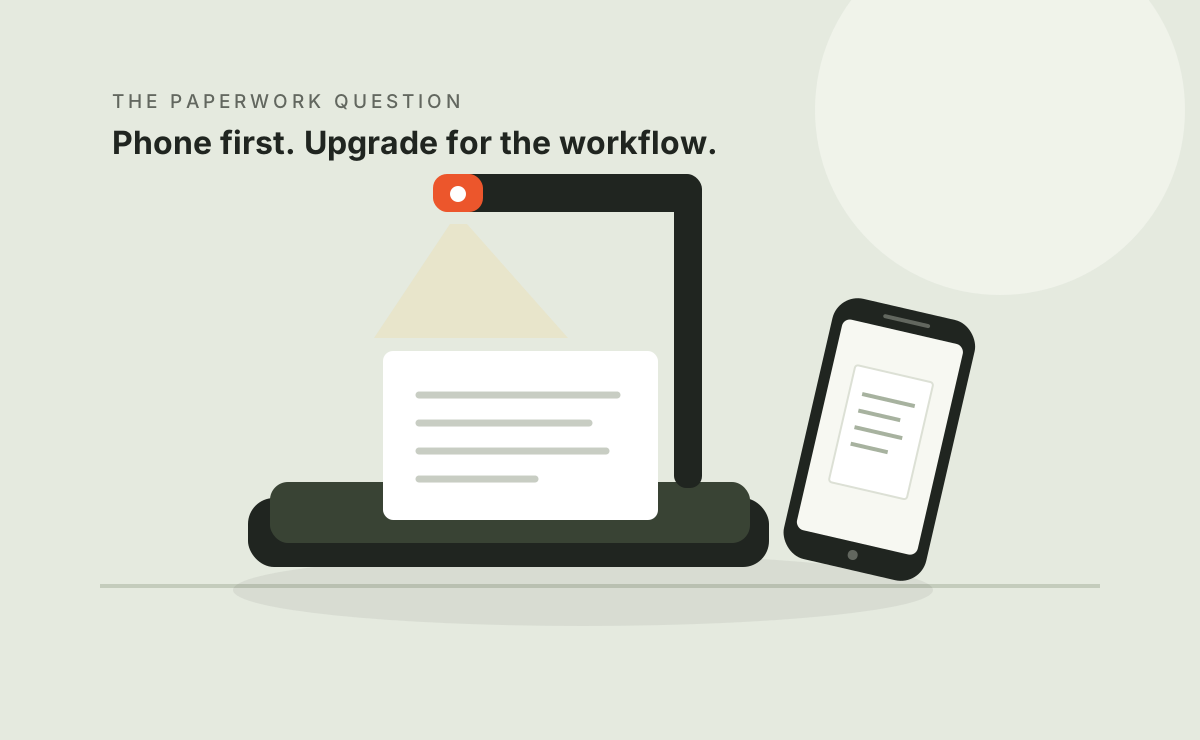
Start with the phone you own.
For occasional flat pages, evaluate your existing capture and export workflow before buying equipment. Investigate a scanner when positioning, page handling or file processing becomes a repeated limitation.
Match the material to the method
| Material | Investigate first | Check |
|---|---|---|
| A few receipts or forms | Phone scanning | Readable text, cropping, export and privacy |
| Loose-page batches | A feeder design | Paper suitability, duplex capture and preparation |
| Bound books | Overhead or suitable flatbed handling | Safe opening, shadows and page corrections |
| Pictures or artwork | An image-focused workflow | Color, geometry, fine detail and processing |
| Searchable records | Capture plus OCR | Language support and recognition errors |
Try five representative pages
Include small text and anything that has caused trouble before. Use your phone's scanning feature or an app whose settings you understand. Export the file and inspect it on the computer where it will be used.
- Is important text readable at a practical viewing size?
- Did shadows, blur or page angle affect the result?
- Are page order, filenames and storage manageable?
- Do export or recognition features require payment?
- Does the app process records locally or upload them?
If the output is useful and the process manageable, keep the setup. Dedicated hardware is worthwhile only if it solves a limitation you encounter.
What an upgrade should solve
Write down the friction: aligning pages, handling a binding, capturing both sides, naming files or checking text. A faster camera does not automatically solve these problems.
Hardware can offer a more repeatable capture position or material-specific handling. It also uses space and money and introduces software and a learning curve. CZUR ET devices do not automatically feed loose sheets. PCMag, 2022 explains manual handling for ET24; The Gadgeteer, 2025 shows how book characteristics affect effort.
Before buying
- Define your material and required output.
- Check exact-model software for your computer.
- Seek samples resembling your documents.
- Confirm language support and important OCR fields.
- Check seller, bundle, shipping and returns.
- Include handling, corrections and export in the time estimate.
Read our scanner-type guide, ET24 Pro or ET Max research.
Check the model before you order.
This link opens CZUR's brand store on Amazon US, not a product-specific offer. Confirm the exact model, seller, price, included accessories, delivery and return terms on the listing.
If you buy through this link, we may earn a commission at no extra cost to you.
Browse CZUR on Amazon US ↗No live price, discount or stock claim is made here. The US store link does not establish delivery or warranty coverage for readers in other countries.
Questions before you buy
Do I need hardware to create a PDF?
No. Many phone scanning tools can export one. Check the actual features, charges and privacy settings.
Will a scanner always give better output?
No. Design, material, lighting and processing matter. Inspect samples rather than assuming an upgrade.
Can I scan and share any material?
No. Copyright, confidentiality and applicable handling rules still apply. Permission to capture and permission to distribute are separate.
Sources & scope
Sources accessed October 8, 2026. We summarize them in our own words. Publication dates are shown so historical observations are not mistaken for new tests.
- William Harrel — PCMag, ET24 Pro review ↗
Published August 8, 2022. Publisher's hardware test, not ours; its historical software results may differ from current versions.
- M Thorne — The Gadgeteer, ET Max review ↗
Published February 12, 2025; updated February 20, 2025. A free CZUR sample was disclosed; the author says the brand did not preview or control the review.
- CZUR support and model downloads ↗
Manufacturer support directory. Check your exact model, operating system and software version.
Manufacturer claims, published testing and unverified public comments are different kinds of evidence. None of these articles constitutes a Workwell Lab hands-on test.