
From a captured page to a searchable PDF
Recognition can make paper easier to find. Accuracy, file structure and privacy still need deliberate checks.
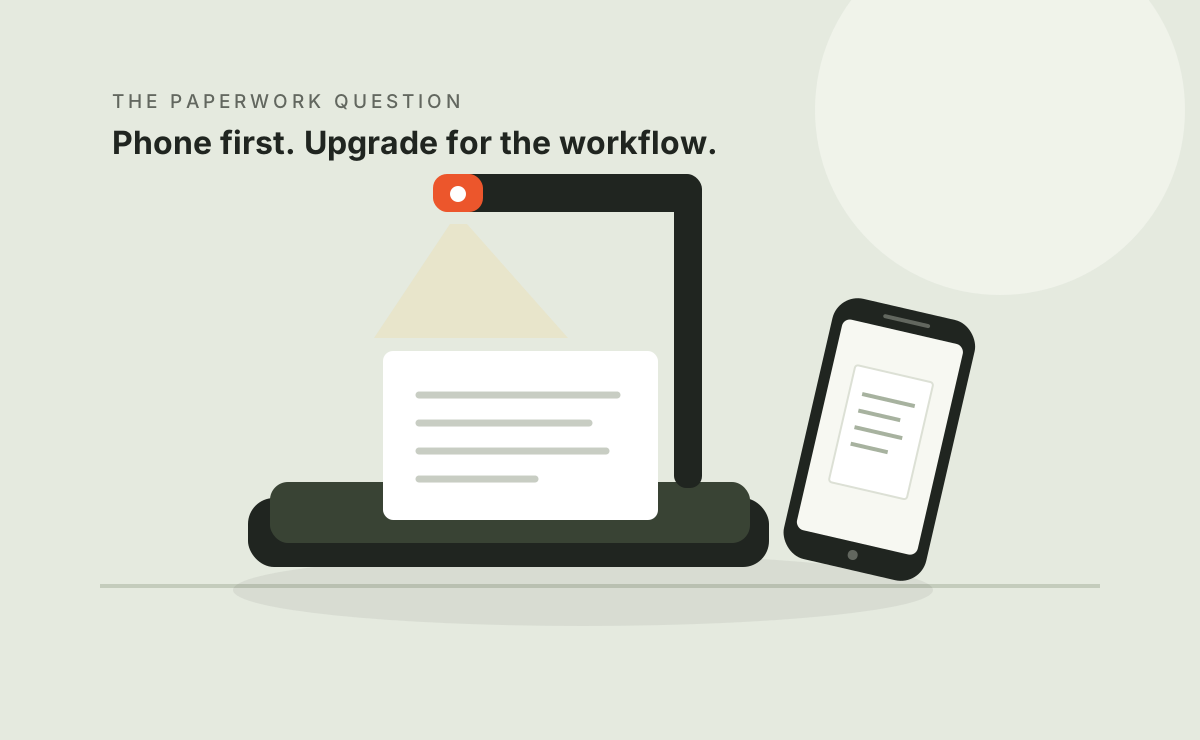
A searchable file still needs checking.
OCR creates recognized text from an image. Inspect both outputs: a readable capture is not automatically accurate text, and a successful export is not proof of correct page order.
Begin with readable material
Check cropping, orientation, small text, shadows and page sequence. OCR cannot reliably recover information missing from the image. Processing can change appearances, so compare important output with the original.
Try phone scanning for small jobs or plan book handling before a large batch.
Verify your actual language
The current CZUR family page describes ABBYY-based OCR but shared sections show different language totals. We do not turn a broad total into a guarantee for every model, platform and release. Use CZUR support and test your exact language.
The Gadgeteer, 2025 describes success with some multilingual text and a language the author's setup could not process. That is evidence to verify the task, not a current exhaustive language list.
Validate fields that matter
| Field | Potential issue |
|---|---|
| Names and identifiers | One character can change the record |
| Amounts and dates | Digit and punctuation errors change meaning |
| Multi-column text | Reading order may differ from the layout |
| Unusual or small type | Font and contrast can affect recognition |
| PDF search | The intended text layer may be absent or inaccurate |
| Editable output | Formatting and tables may need correction |
PCMag, 2022 reported strong ET24 results with specified printed fonts in 2022. This does not establish error-free handwriting recognition, damaged-page results or current-version performance.
Check the file where it will be used
- Choose image PDF, searchable PDF or editable text for the job.
- Open the export in the receiving application.
- Search several phrases and check the results.
- Verify page count and order.
- Proofread information you will rely on.
- Keep source images where needed for correction or an audit.
Do not equate a menu option with a verified feature on your computer. Check exact-model and version support.
Know where processing happens
Find out whether the tool works on the device or sends records to a cloud service. Review access, sharing and retention before processing confidential documents. Workplace rules may limit the services you can use.
This workflow does not authorize copying or distributing protected material. Rights and capture are separate questions.
Questions before you buy
Is any PDF searchable?
No. Some PDFs contain only images. Verify the recognized text layer and search behavior.
Can OCR replace validation?
No. It assists the process; check important information against the original.
Are you selling a separate OCR subscription?
No. This release focuses on choosing and checking a document-digitization workflow.
Sources & scope
Sources accessed October 8, 2026. We summarize them in our own words. Publication dates are shown so historical observations are not mistaken for new tests.
- CZUR ET series product page ↗
Manufacturer specifications and marketing; model tabs differ. Checked October 8, 2026.
- CZUR support and model downloads ↗
Manufacturer support directory. Check your exact model, operating system and software version.
- William Harrel — PCMag, ET24 Pro review ↗
Published August 8, 2022. Publisher's hardware test, not ours; its historical software results may differ from current versions.
- M Thorne — The Gadgeteer, ET Max review ↗
Published February 12, 2025; updated February 20, 2025. A free CZUR sample was disclosed; the author says the brand did not preview or control the review.
Manufacturer claims, published testing and unverified public comments are different kinds of evidence. None of these articles constitutes a Workwell Lab hands-on test.