
Plan a book-scanning session you can check
The job is not finished when the camera fires. Handling, page order and inspection determine whether the file is useful.
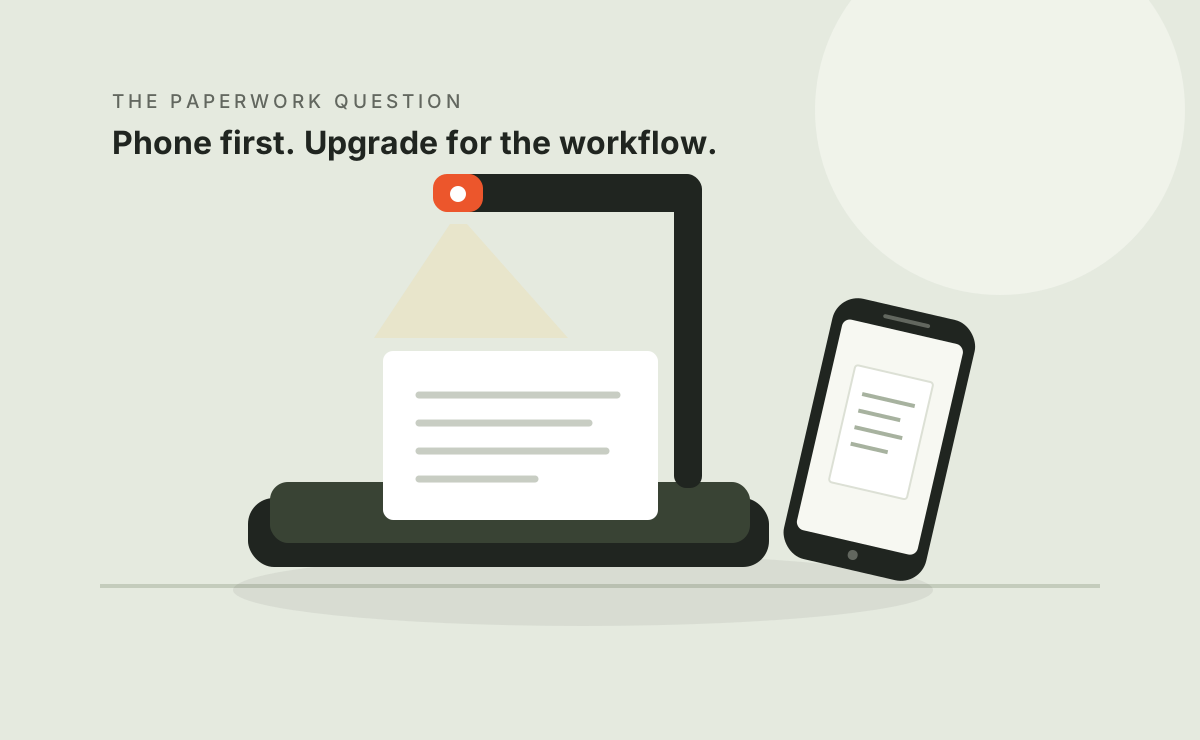
Finish one sample before a large batch.
Select several pages, including a difficult spread. Capture, process, export and inspect them before repeating the workflow across a book.
Check permission and condition
Check your right to make the intended copy and separately to share it. Follow copyright, confidentiality and organizational rules. Owning a book does not by itself grant a right to distribute digital copies.
Inspect the binding and paper. Do not force pages flat or damage a binding to fit a demonstration. Fragile, damaged or valuable originals may require preservation advice and a different capture setup.
Make positioning repeatable
Clear a stable surface, support the original and check the capture area. Test lighting on actual paper: gloss, dark illustrations and shadows near the gutter behave differently.
The Gadgeteer, 2022 described adjusting ET24 lighting on glossy material. The Gadgeteer, 2025 described some small, stiff books as awkward to handle. Both are reasons to test a sample, not predictions for every book.
Use an order you can verify
- Record identifying pages needed for your permitted purpose.
- Choose a consistent filename pattern.
- Check whether spreads export as one image or two.
- Keep hands and accessories clear of important content.
- Pause when handling or automatic processing fails.
- Keep original captures when practical for correction.
A pedal can leave hands available, but inspect the exact controls and bundle. Software correction does not remove the handling step.
Inspect the exported result
| Check | Inspect |
|---|---|
| Completeness | Missing, duplicate or out-of-order pages |
| Cropping | Margins, captions, page numbers and binding text |
| Geometry | Distorted lines, curved text and page shape |
| Images | Detail, color and processing changes |
| OCR | Names, numbers and significant passages |
| Export | Readable file, intended format and size |
Capture interval is not total project time. Positioning, rescans, validation, OCR and export all contribute. Do not turn historical reviewer timings into a promise.
Make the archive understandable
Name files meaningfully, keep an index and store a separate backup. For personal or confidential records, choose access and retention settings that suit the sensitivity and applicable obligations.
Next: searchable PDF checks or model-specific research reviews.
Questions before you buy
Will flattening fix every spread?
No. Material, positioning and software affect correction. Inspect samples and be prepared to correct or recapture.
Can I skip checks after OCR?
No. Validate information that matters against the original.
May I publish copied book pages in a review?
Only with necessary permission or a valid applicable exception. Our concept illustrations do not reproduce publisher pages.
Sources & scope
Sources accessed October 8, 2026. We summarize them in our own words. Publication dates are shown so historical observations are not mistaken for new tests.
- Matt Sailors — The Gadgeteer, ET24 Pro review ↗
Published April 17, 2022. The author disclosed a CZUR-provided sample. Includes a small public discussion.
- M Thorne — The Gadgeteer, ET Max review ↗
Published February 12, 2025; updated February 20, 2025. A free CZUR sample was disclosed; the author says the brand did not preview or control the review.
- CZUR support and model downloads ↗
Manufacturer support directory. Check your exact model, operating system and software version.
Manufacturer claims, published testing and unverified public comments are different kinds of evidence. None of these articles constitutes a Workwell Lab hands-on test.