
How to check whether an office chair fits your desk
Measure desk clearance, verify seat-height endpoints and check usable depth, foot support, returns and warranty before buying a chair.
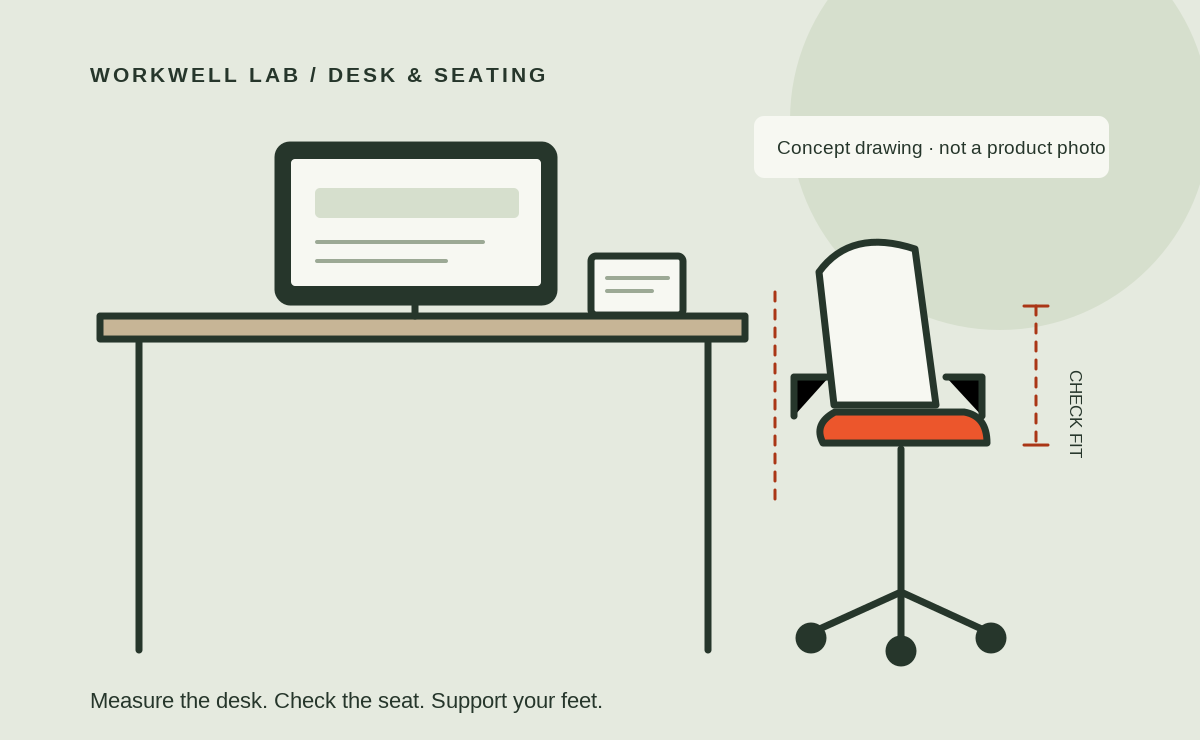
Write down what must fit.
A chair needs to work with the person, desk and task together. A tall chair, a folding arm and an “ergonomic” label cannot settle that. Use this checklist to ask better buying questions; it is not a medical assessment or a guarantee of comfort.
1. Measure the working surface and the space underneath
Measure floor-to-desktop height. Separately record floor-to-underside clearance, including drawers, supports and any keyboard tray. For an adjustable desk, note the height at which you actually type while seated, not only its maximum standing height.
Check chair width and the space needed to turn and move. Flipping armrests up may help storage but does not prove the chair fits when you use the arms.
2. Ask for minimum and maximum seat height
Ask for floor-to-top-of-seat measurements, with the seat at its lowest and highest positions. Clarify whether the seat is unloaded or measured under a stated load. Overall chair height includes the backrest and is a different number.
A field reading “seat height 47 cm” is not an adjustment range. A separate “20 cm travel” claim does not tell you whether 47 cm is the minimum, maximum or a different measurement. Resolve the ambiguity with the seller rather than calculating an unsupported range.
3. Check usable depth, width and back contact
Compare the usable seat depth with a seated position where your back can reach the backrest and the seat edge does not press into the backs of your knees. A headline overall depth can include the base or back and may not describe the sitting surface.
Check usable width between the arms, not just the widest part of the chair. If lumbar support is advertised, ask what actually adjusts and over which range. A manufacturer's broad height recommendation is not a personalized fit check.
4. Plan foot support and arm clearance together
At the selected working height, check that your feet have suitable support and that you can reach your keyboard and mouse without continually lifting your shoulders or reaching forward. A drafting-chair foot ring needs its own usable-position check. It does not make a tall chair a substitute for a conventional chair at every desk.
“Flip-up” and “height-adjustable” armrests are different mechanisms. Ask which adjustments are available and whether the arms clear your desk during the task.
5. Check the cost of trying it
Before ordering, read the selected seller's current return window, assembly and packaging conditions, return-shipping responsibility and warranty process. Ask how replacement casters, cylinders or arms can be obtained. Keep the applicable written terms; do not choose between contradictory warranty claims by picking the longer one.
After assembly, follow the manufacturer's instructions, check fasteners and adjustments, and assess the chair in your real task. Stop using a chair if parts appear damaged or unstable. A short trial does not establish long-term durability.
A simple worksheet
| Item | Your workspace / requirement | Seller-confirmed chair detail |
|---|---|---|
| Desk and underside | Working height and lowest obstruction | Arm / back / base clearance as relevant |
| Seat height | A working seated position with suitable foot support | Minimum and maximum; measurement conditions |
| Seat depth and width | Usable space with back contact and knee clearance | Usable seat dimensions, not overall footprint |
| Support / adjustments | Foot, back and arm needs for the task | Actual adjustments and their ranges |
| Trying and returning | Acceptable assembly, return cost and trial arrangements | Current seller terms and written warranty |
Apply it to the chairs we cover
The Primy 934-Z research review documents a missing confirmed seat range and conflicting warranty wording. The Primy vs Brick Attic comparison shows why a tall drafting chair and a PU office chair should be compared by fit rather than appearance or commission rate.
Fit-check questions
Does a chair advertised for my height automatically fit?
No. Leg length, usable seat depth, desk height and the actual adjustment range still matter.
Is a higher weight recommendation better?
It is a stated limit to check, not a comfort score, lifetime estimate or independent safety certificate.
Should I replace a chair that already works?
Identify a specific limitation first. An existing setup may already meet your task and space requirements.
Editorial scope
Published October 16, 2026. This is an original practical purchasing checklist, not a clinical assessment, workplace standard or equipment test. The model-specific listing evidence is documented on the linked research pages. Persistent discomfort or an individual accessibility need may require qualified advice beyond a general buying guide.